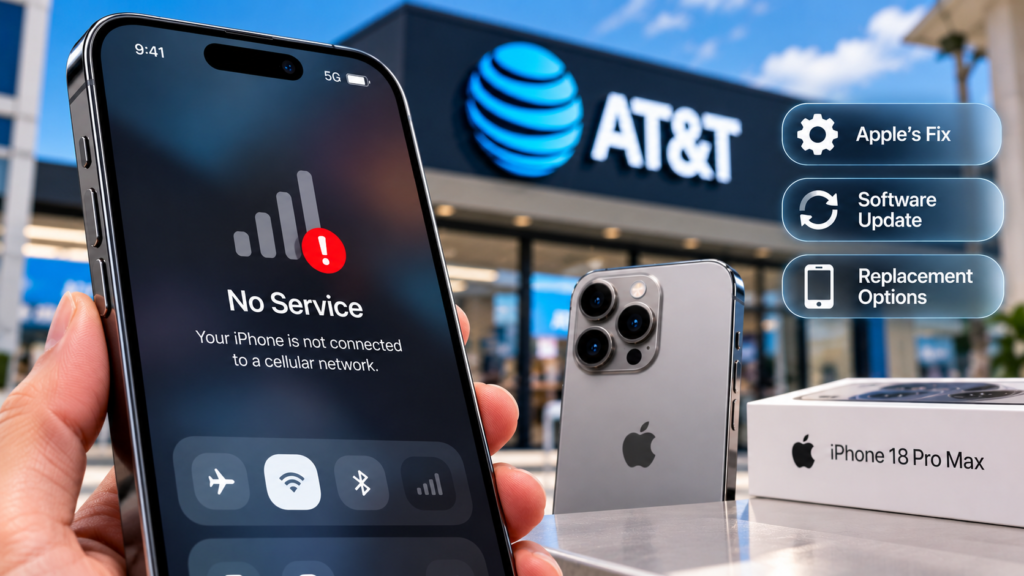
Some iPhone 18 Pro Max owners in the United States have reported a serious cellular connectivity problem affecting their ability to make calls, send text messages and use mobile data on AT&T.
The issue attracted attention in late September and early October 2026, when affected devices reportedly lost cellular service or displayed SOS mode. Apple and AT&T acknowledged the problem and issued guidance for customers.
Apple said software and carrier-settings updates were intended to help prevent additional devices from being affected. However, Apple also stated that devices already affected by the problem would require replacement rather than a software-only repair.
Here’s what happened, what is known about the issue and what affected iPhone owners should do.
What Is the iPhone 18 Pro Max AT&T Problem?
Reports began appearing after the iPhone 18 Pro Max launched in September. Some owners using AT&T experienced intermittent or persistent cellular connectivity failures.
Reported symptoms included:
- The phone displaying SOS instead of normal cellular service.
- Inability to make or receive regular phone calls.
- Text messages failing to send or arrive.
- Mobile data becoming unavailable.
- Problems connecting or provisioning an eSIM.
The problem has been associated with a subset of iPhone 18 Pro Max devices on AT&T in the United States. It should not be described as affecting every iPhone 18 Pro Max owner or all mobile networks.
Apple’s October 2 statement described the issue as affecting a small number of users. The company did not publicly identify the underlying cause in the reporting available at the time.
What Did Apple and AT&T Say?
AT&T confirmed that it was working with Apple to address the problem and advised affected-model owners to install the latest available software.
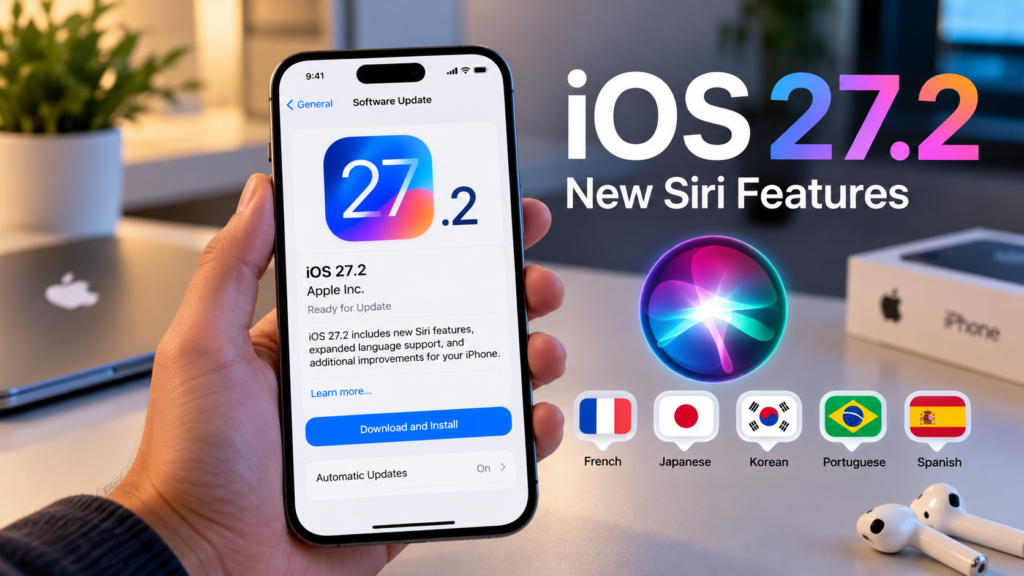
Apple said it had released iOS 27.0.1 and an AT&T carrier-settings update intended to help prevent additional devices from experiencing the issue.
The distinction is important: these updates were intended to reduce the risk of further cases. They were not presented as a guaranteed way to restore service on a device that had already been affected.
Apple said affected devices would need to be replaced. Customers were advised to contact Apple Support or AT&T or visit an appropriate store for assistance.
These statements were reported by MacRumors on October 2.
Does iOS 27.0.1 Fix the Problem?
Not necessarily for every affected phone.
Apple said iOS 27.0.1 and the carrier-settings update were intended to help prevent the problem from occurring. However, Apple also said that a device already affected by the issue could not have its service restored through a software update alone.
This means users should not assume that repeatedly installing updates will fix a device that has already lost cellular service because of this particular problem.
If your phone is working normally, installing the recommended update is a sensible precaution. If it has already lost service, contact Apple or AT&T for a diagnosis and instructions.
How to Check for the iOS Update
To check for the available iOS version:
- Open Settings.
- Tap General.
- Select Software Update.
- Install the available official update if appropriate.
You can also check for carrier-settings updates by opening Settings → General → About and waiting briefly for any available prompt.
Menu wording can vary slightly by software version. Back up your iPhone before a major software update.
Why Might an Affected Phone Need Replacement?
Apple has said that devices already affected by this specific connectivity problem require replacement rather than a software-only fix.
However, the company had not publicly confirmed the underlying technical cause in the reports available for this article. It would therefore be premature to claim that a particular modem, component or manufacturing defect has definitively caused the issue.
The US version of the iPhone 18 Pro Max uses a Qualcomm cellular modem, while other regional versions use Apple’s C2 modem, according to published reporting. That difference is worth noting, but it does not establish that the modem is responsible.
The issue was reported on AT&T, and Apple had not identified other iPhone models or carriers as affected in its initial statement.
What Should Affected iPhone 18 Pro Max Owners Do?
If your iPhone has lost cellular service, follow these steps.
1. Check the software and carrier settings
Install Apple’s recommended update and check whether a carrier-settings update is available.
2. Contact Apple Support or AT&T
Explain the symptoms, when they began and whether they continued after installing the updates. Ask for the appropriate diagnostic and replacement process.
3. Ask about warranty coverage
If Apple or AT&T determines that the device needs replacement, ask for written confirmation of the replacement process, eligibility and any applicable charges.
Do not assume every store visit will automatically result in a replacement without a diagnosis.
4. Keep an alternative way to communicate
Because the reported issue can affect calls and messages, arrange an alternative means of communication if your phone is unreliable. If you need emergency assistance, use another available phone or follow local emergency-service guidance.
Does This Affect iPhone 18 Pro Max Owners in the UK and Australia?
The reported issue was associated with US iPhone 18 Pro Max devices on AT&T. There is no basis in Apple’s initial statement for claiming that the same problem affects all iPhone 18 Pro Max models worldwide.
UK and Australian owners should continue to install official updates and contact their local carrier or Apple Support if they experience similar symptoms. They should not assume their devices are affected simply because the US problem has been reported.
Frequently Asked Questions
Is the iPhone 18 Pro Max AT&T problem affecting everyone?
No. Apple described it as affecting a small number of users on AT&T in the United States.
Can iOS 27.0.1 fix an affected iPhone?
Apple said the update was intended to help prevent additional cases. It said devices already affected by this specific issue would require replacement.
Will Apple replace my iPhone 18 Pro Max for free?
Apple directed affected customers to Apple Support or AT&T for replacement assistance. Confirm your eligibility, coverage and any costs directly with the provider.
Is this a hardware or software problem?
The underlying cause had not been publicly confirmed in the reports available for this article. The replacement requirement suggests that a software-only recovery is insufficient for devices already affected, but it does not establish the precise cause.
Should I update my iPhone even if it works normally?
Apple recommended that iPhone 18 Pro Max users install iOS 27.0.1 and the relevant carrier update to help prevent the issue.
Final Thoughts
The iPhone 18 Pro Max connectivity issue is a reminder that even premium smartphones can encounter problems that affect essential services. Apple and AT&T acknowledged the reported issue and provided guidance, but the precise technical cause was not publicly established in the available reports.
If your device is affected, install the recommended updates and contact Apple or AT&T rather than relying on repeated resets or unofficial fixes. Check official support channels for any newer developments before taking action.
Sources: Apple’s statement reported by MacRumors, AT&T’s statement reported by MacRumors.